Nuphy Air 60, what does 60 profile keyboard indicate?
As a person who likes minimal and portable setup (but I fail horribly annually), I always wanted to carry something light and small. At first I tried Apple Keyboard. Then moved to this one for my setup.
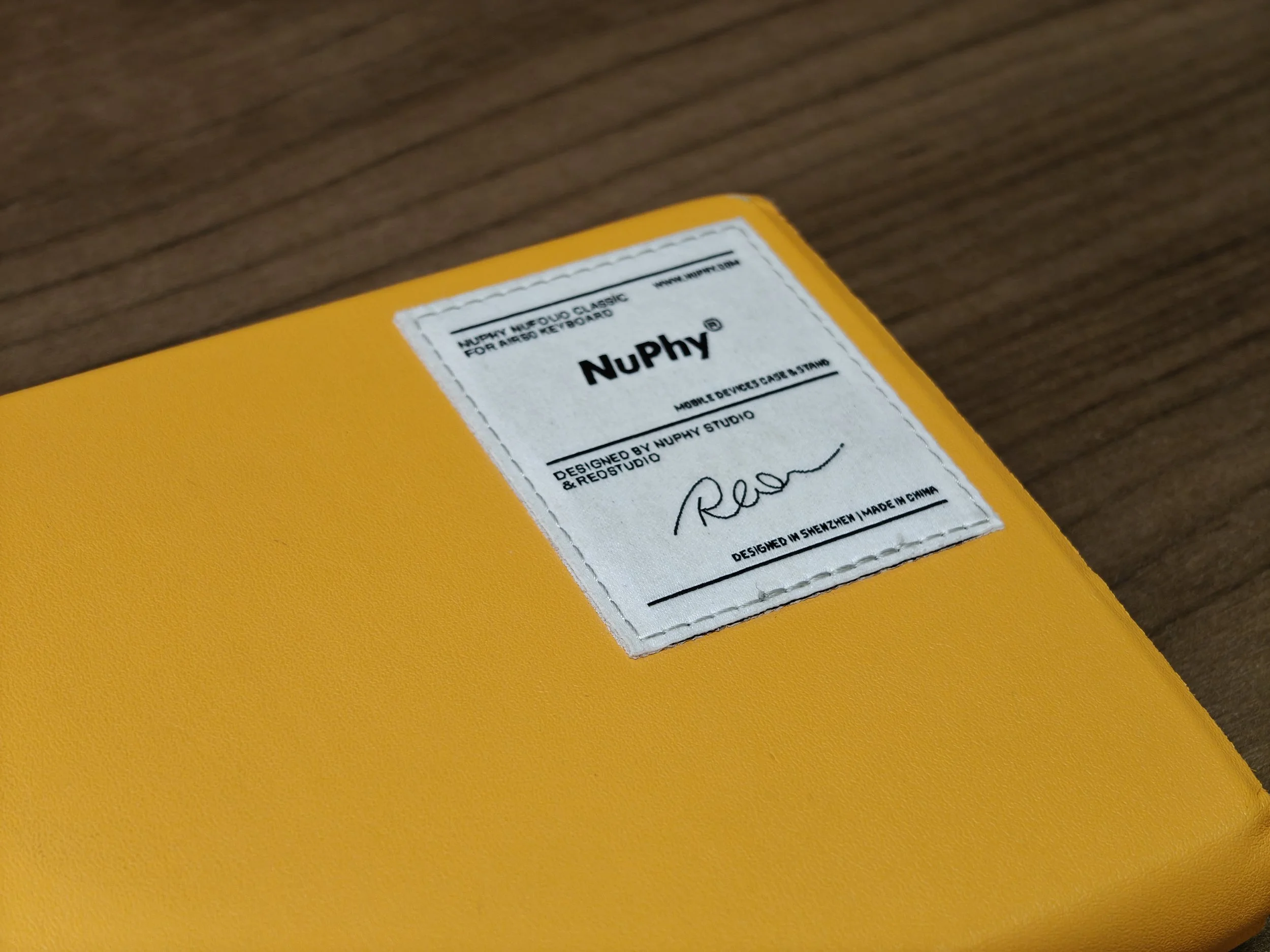
I admit that I liked the color and clicky key switches. I have Realforce R2 for my main station, but sometimes you want that clicky sensation at your fingertip. I was sold to the marketing, and small profile. Was it really small though? Well, let’s talk about the good stuff first.
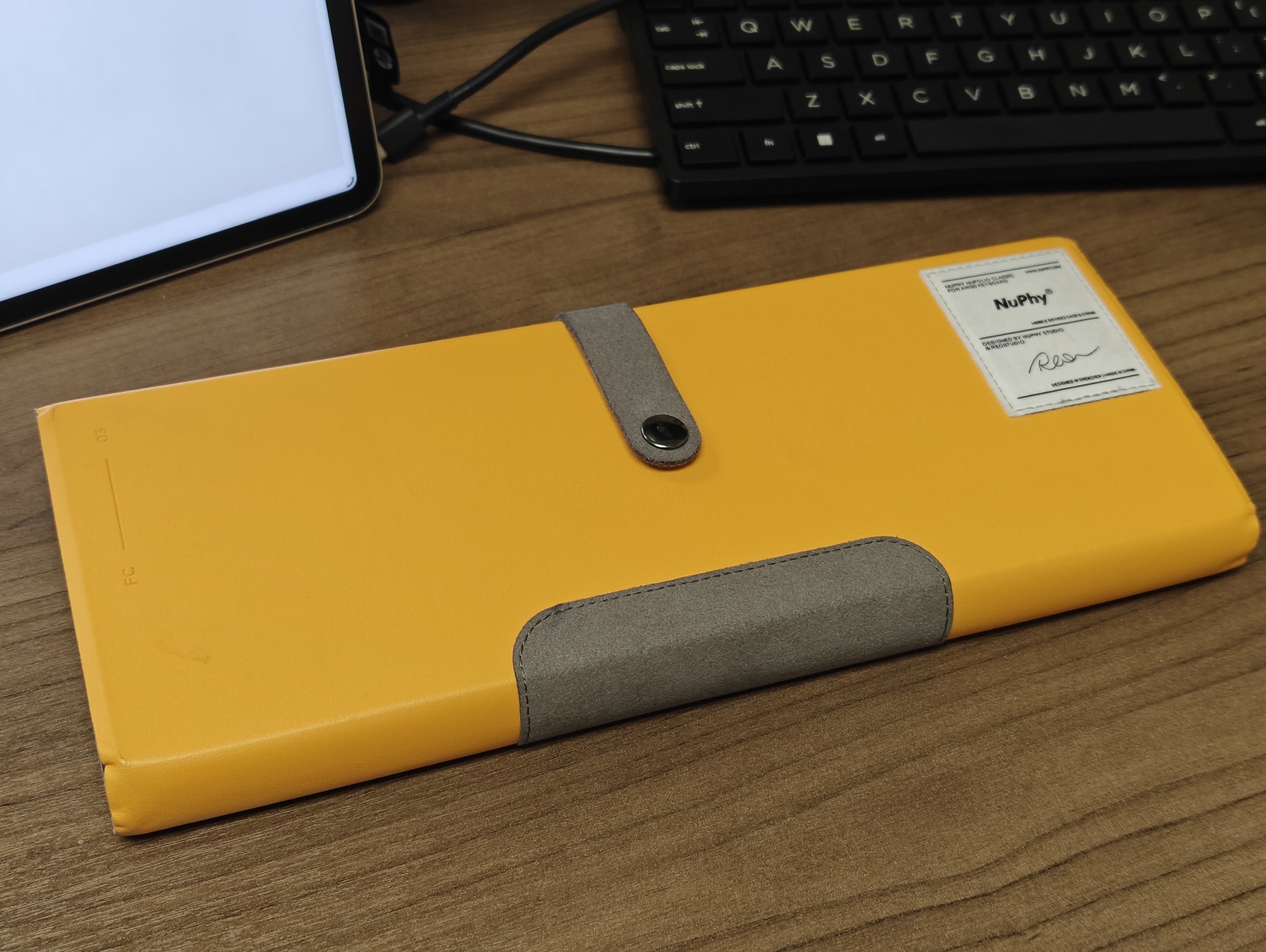
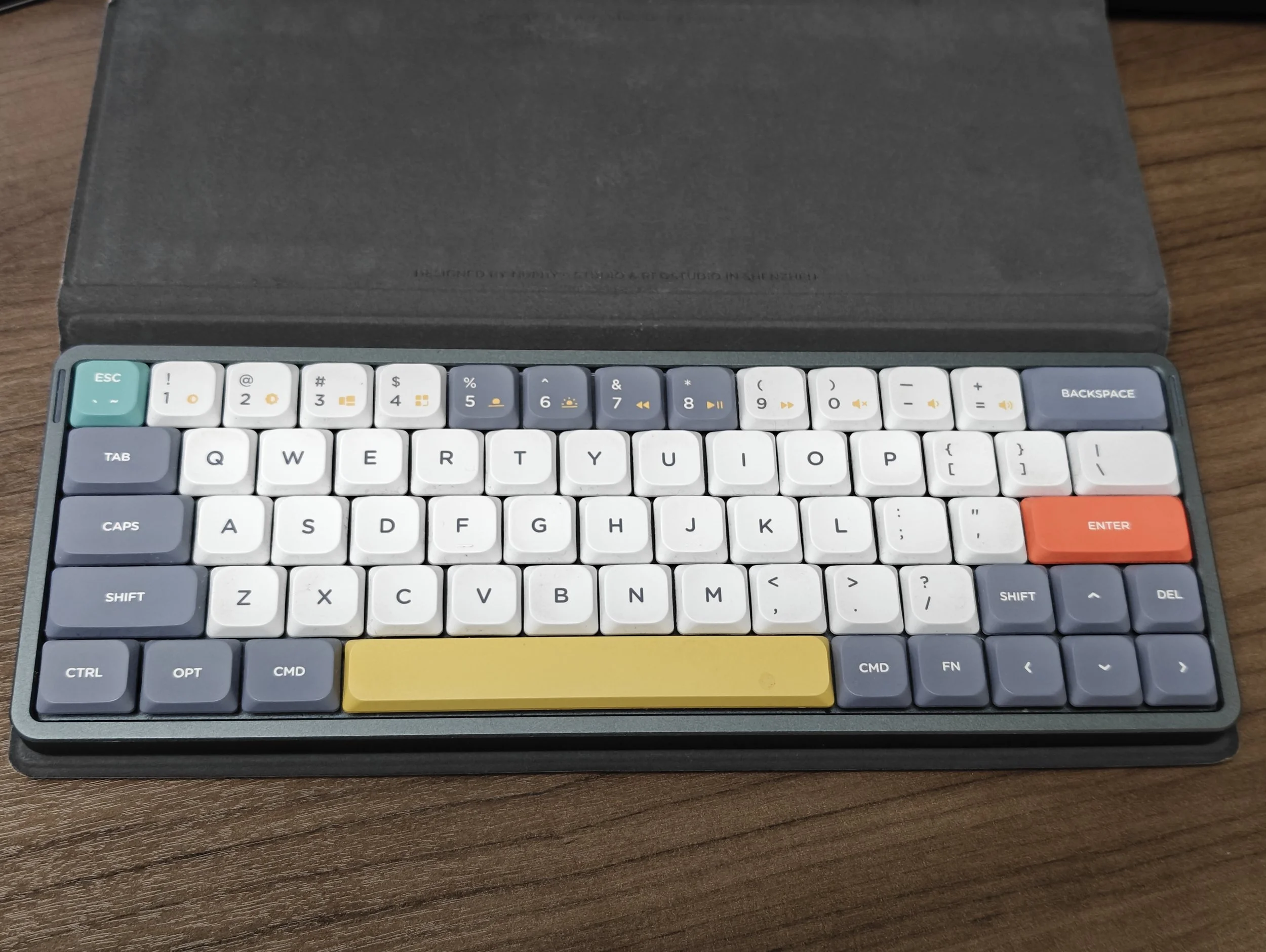
Nice and solid build
Low profile and responsive keys are great. The body feels solid and I can tell that it won’t break easily. You can go on and on, and it provides the pleasant feel. I do enjoy this a lot. Key size is big enough so that I can type accurately. Some companies just shrink the key sizes to make it smaller, but Nuphy didn’t do that.
Pleasant clicky sounds
The design looks modern and pretty. I wish the light on each side stays monochrome, or flashes blue for Bluetooth connection, red for the low battery status, and green for charging. The colorful light does not look right for the design of the keyboard.
Connection is solid and stable. I have not had issues with that. Also, the battery life is great. I think I charge this like once in every few weeks or so because I use my office keyboard for appointments and chart notes and Realforce R2 for my main station at home. Shear usage time is low for me, but still, the fact that I don’t have to be too concerned about the battery is great.
Now, here comes but:
The SIZZZZZE
60% low profile keyboard looks pretty portable at first. I agree. That is why I started my journey with this keyboard.
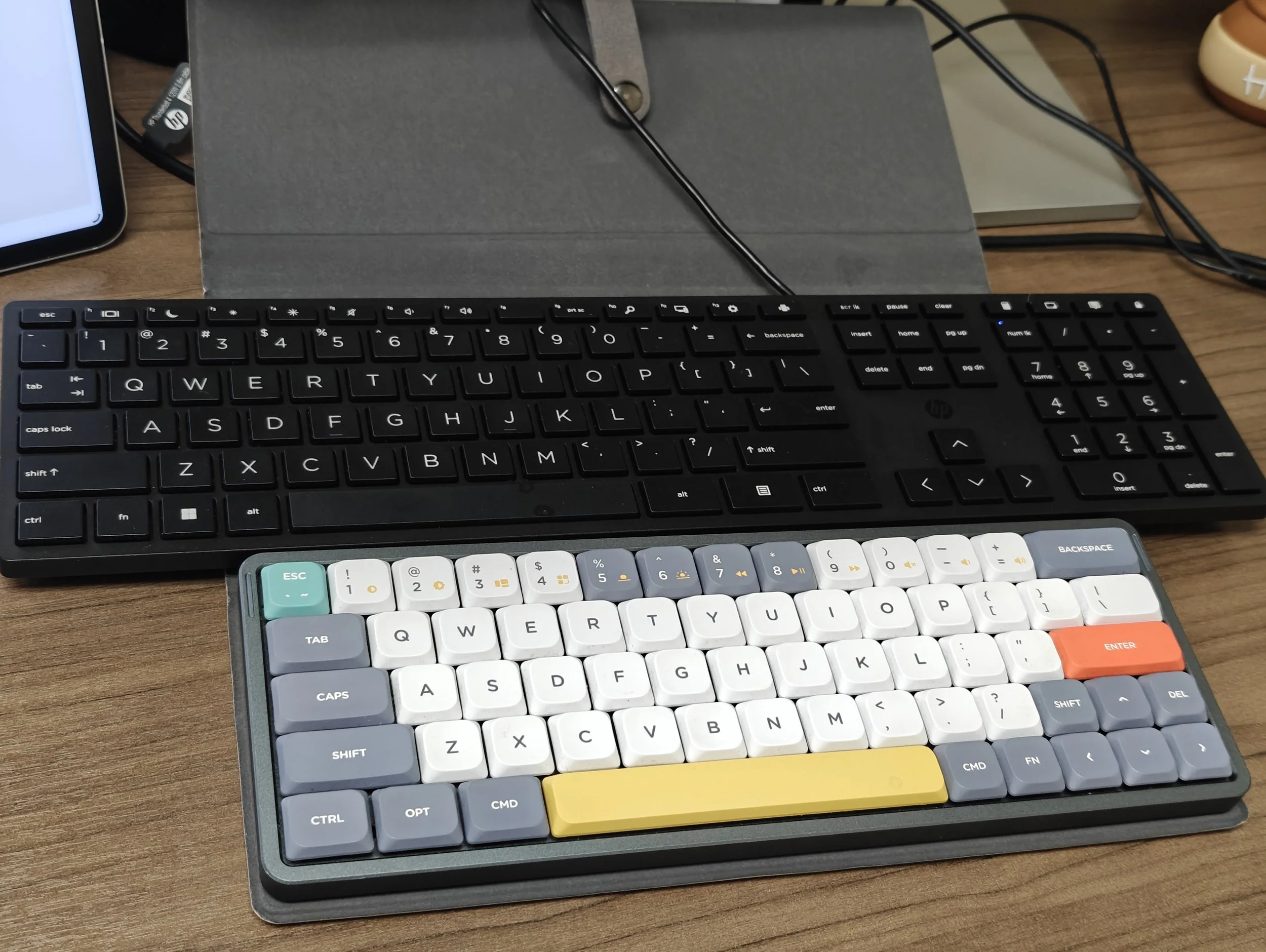
Comparison to the full size key board in my office, yes it is small. But it is little thicker on the side. It has to fit battery, switches, and Bluetooth stuff, so I guess it should be little thicker.
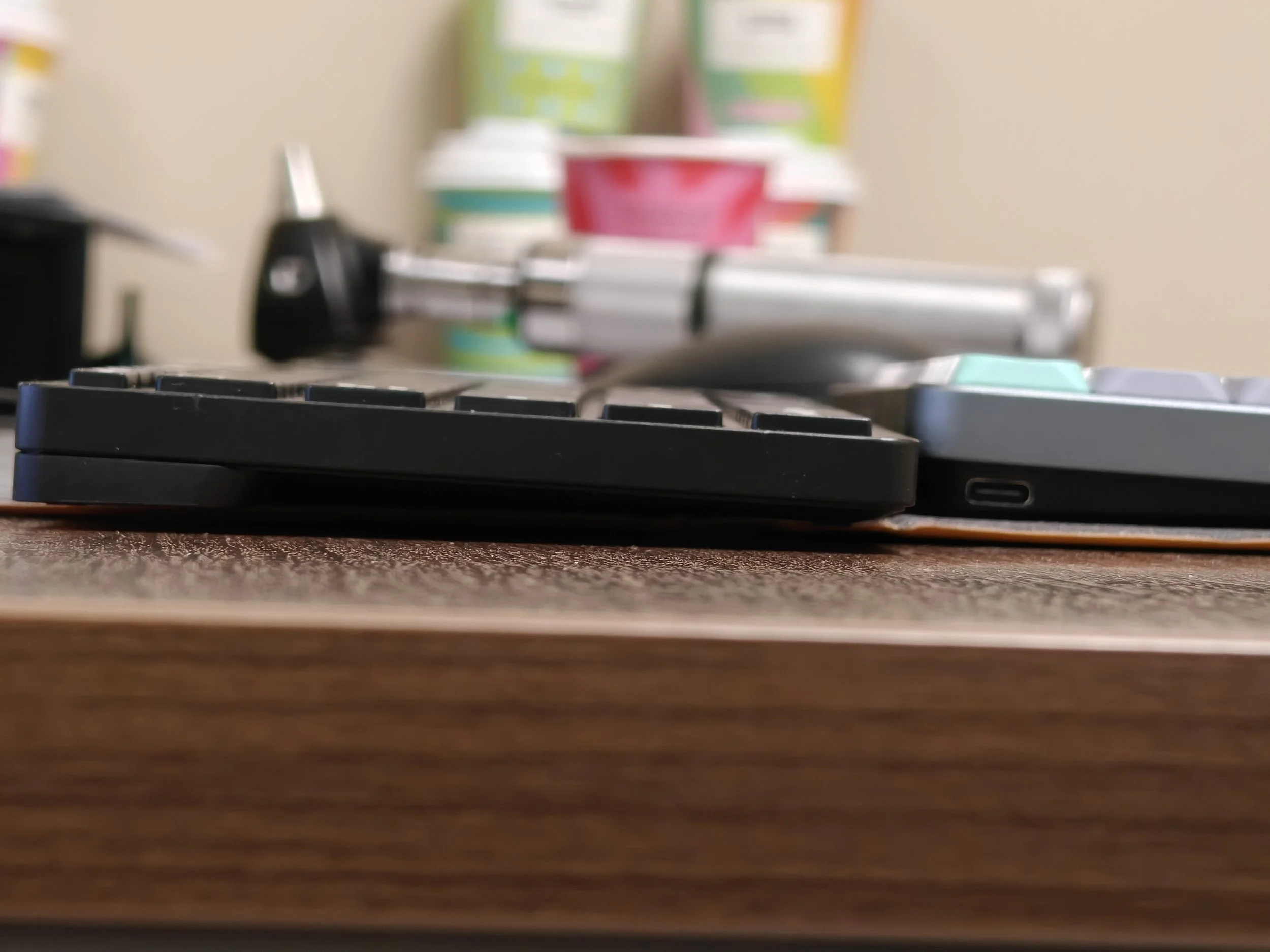
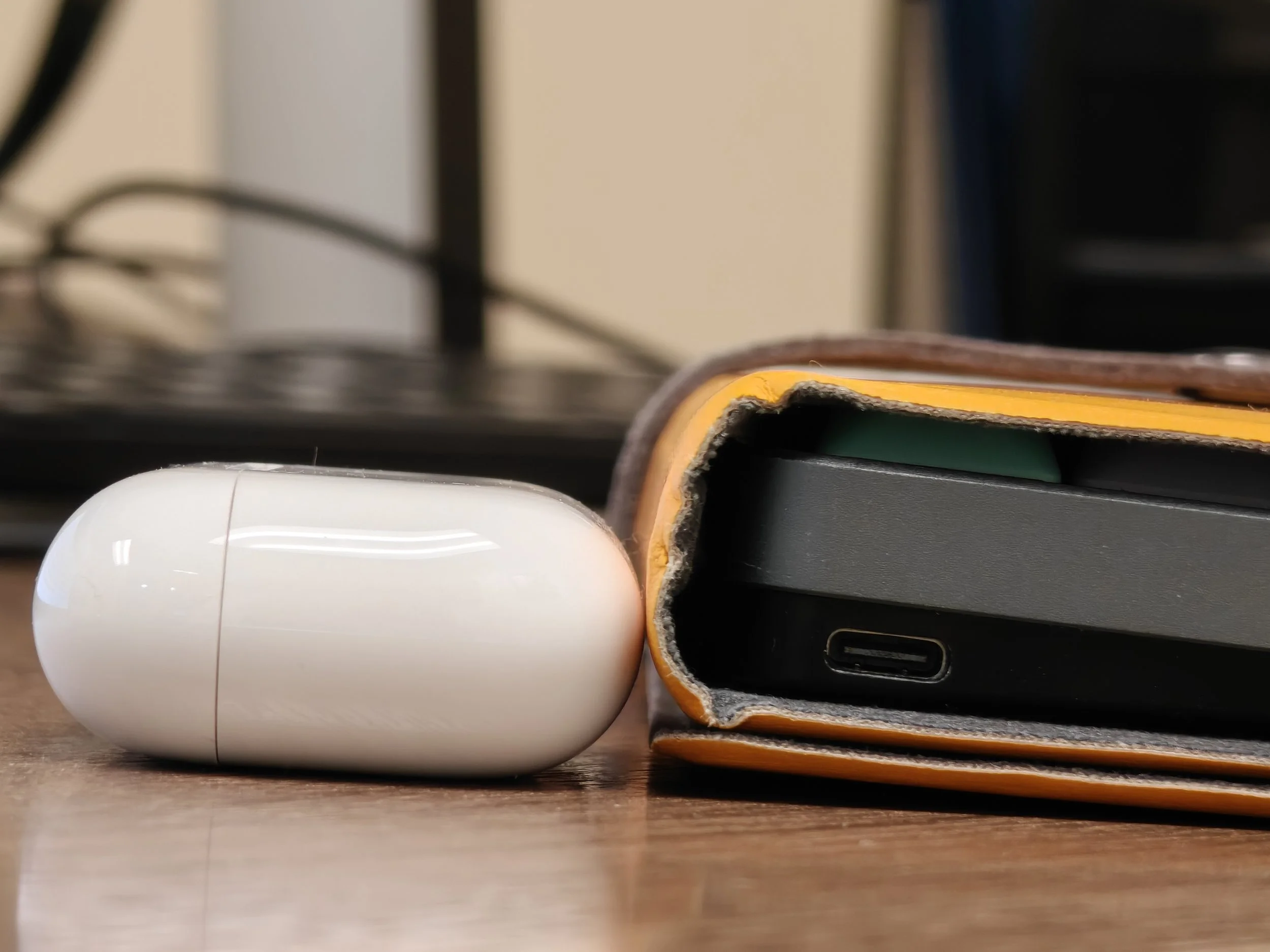
You might think this little difference is not a concern that much, but if you wrap it with its own case, it becomes much thicker. Here is side to side comparison to AirPods Pro and iPad.
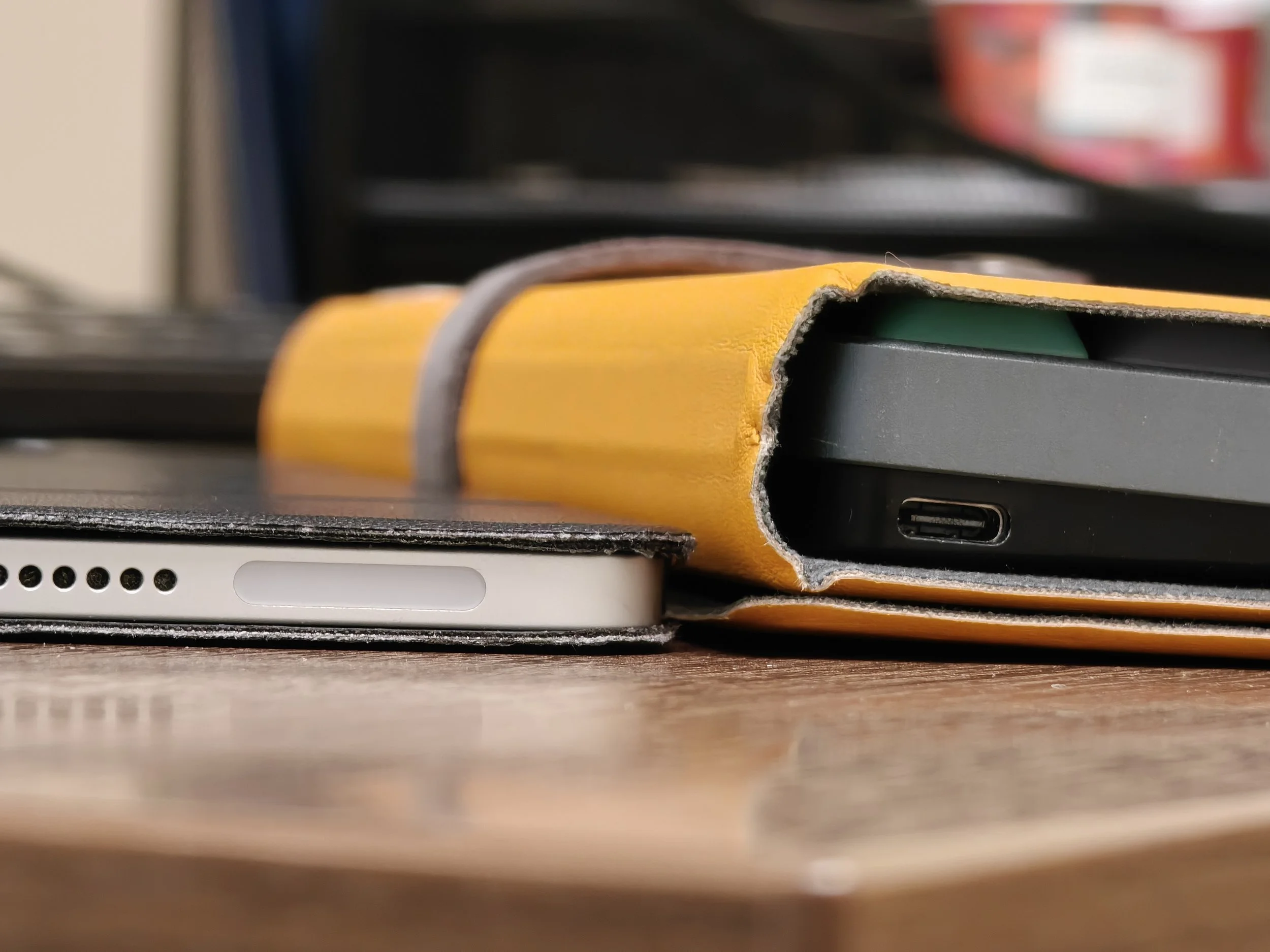
The iPad sitting next to the keyboard is actually 12.3” iPad Pro, which is pretty big. And here is a comparison with it.
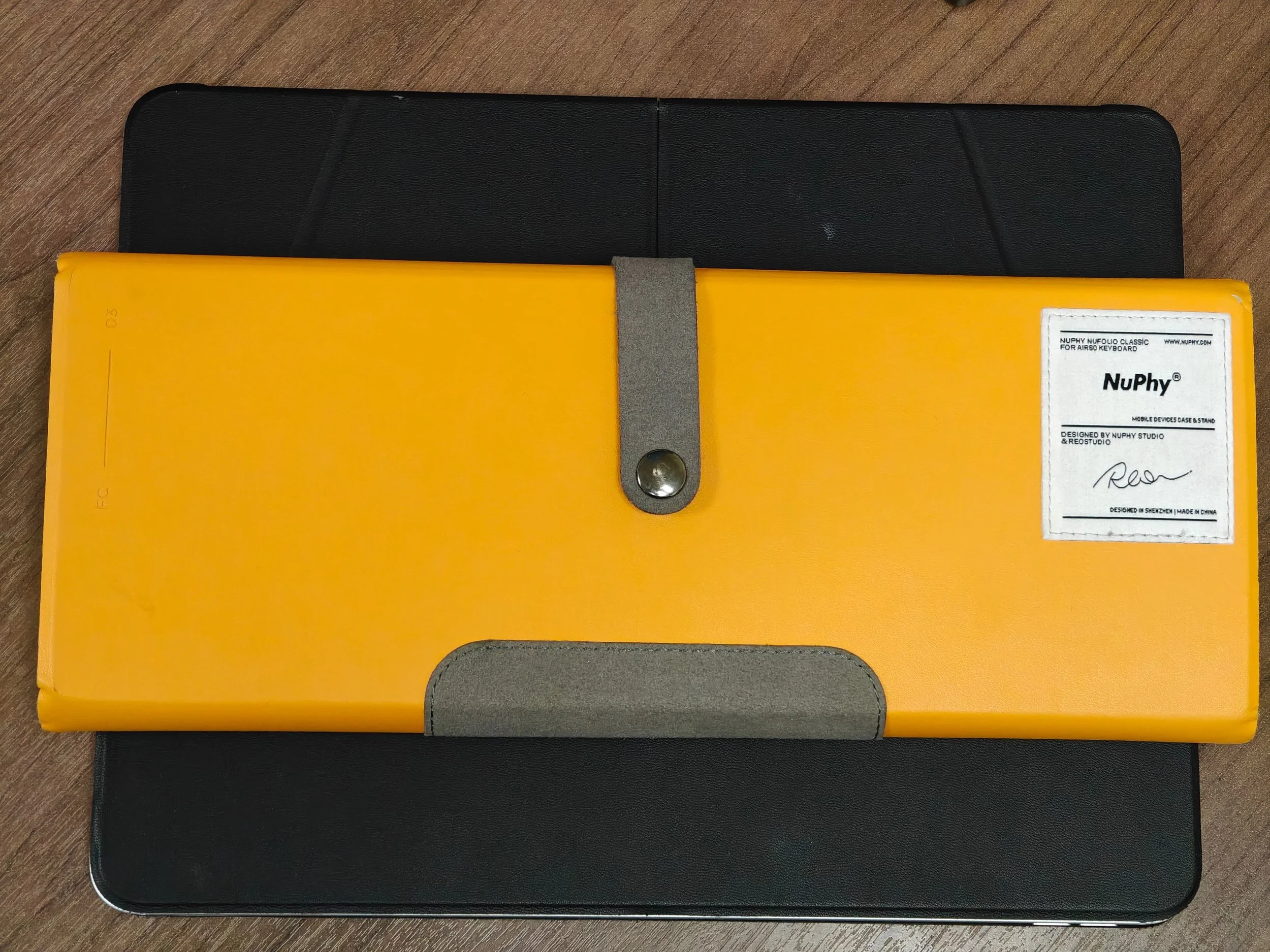
Imagine carrying this in your backpack everyday. The website showcases that the case can be used as a tablet stand. Well, if you look carefully, they use 11” tablets as a reference. I tried it with my iPad Pro 12.3” and the case easily fell apart. Clearly, it could not hold the weight of the big iPad. So what is my final thought?
Maybe, maybe, this is the best compromise.
This is a good keyboard. I admit. I like the small profile, long battery life, clicky sounds and responsive touches. I just wish the size is just a bit smaller than now. Price back then was good enough. The newer version is over $100, and with sale, it is at around $75. I think it is a good deal. Considering how big the switches themselves are, I think this could be the best compromise I could get while maintaining the mechanical keyboard’s feeling.
If you have other suggestions, I’m all ears.
