ReMarkable2..! Beating the iPad!?
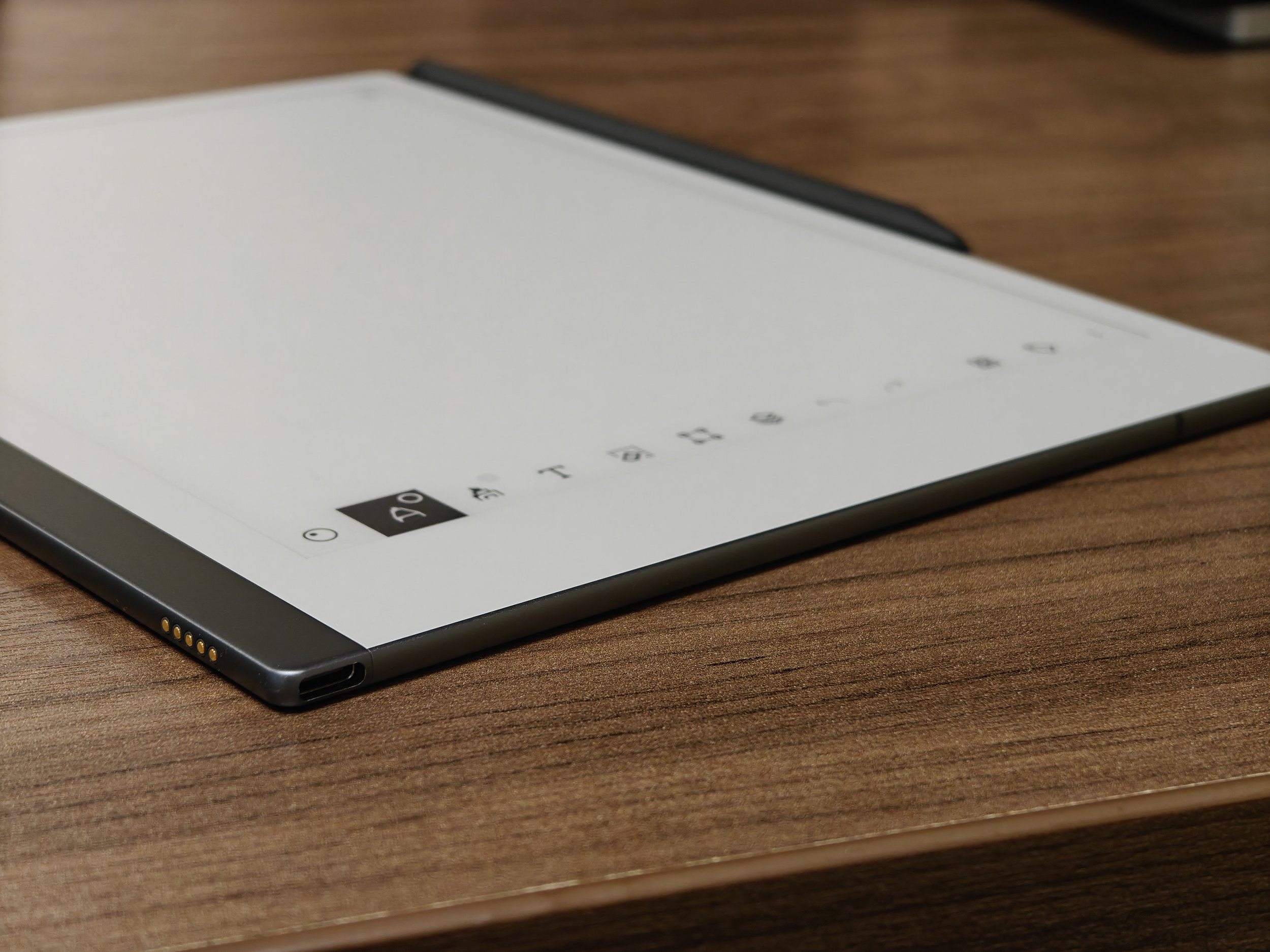
I have been an iPad person for a long, long time. I’ve used the iPad since the very first generation. I loved the massive screen. I honestly don’t know how I endured those giant bezels back then, considering how thin they are now. But as I dove into research and some academic work, I hit the limitations of the wonderful device: eye fatigue and a slippery writing feel. No matter what kind of screen protectors I tried—blue-light filters, low eye-fatigue films, or a paper-feel film with a pen-like Apple Pencil tip—the fatigue and the uncomfortable writing feel were there. The machine once I thought as the ultimate reading and writing device slowly drifted into an entertainment hub. I didn’t the direction it was going. I could have gone back to paper books and prints, but I couldn’t physically carry everything I wanted to read (especially since I was moving a lot.) Then, I ran into this beautiful device: the reMarkable 2.
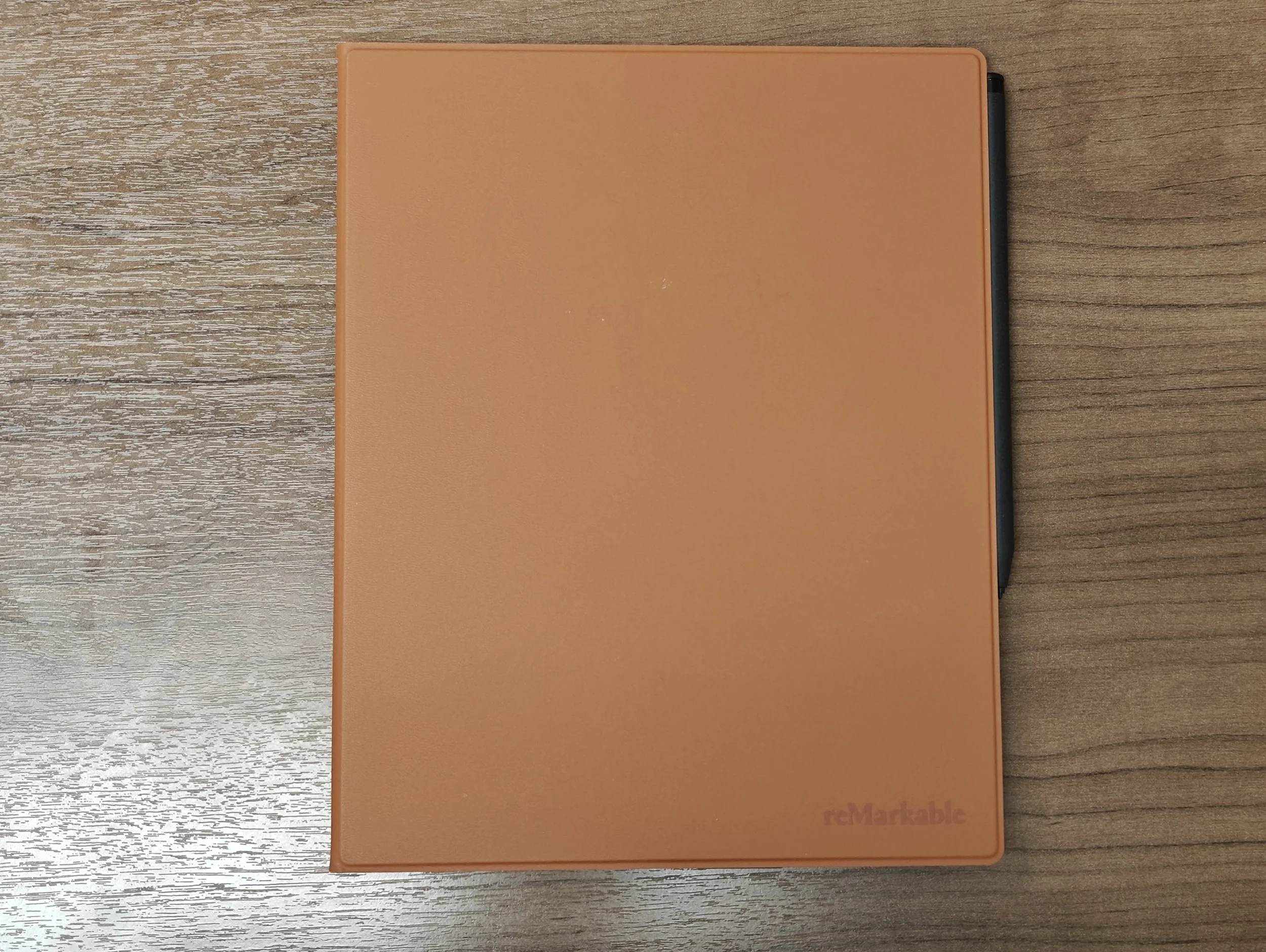
The very first hurdle for this device is the price tag. Fewer features, but more expensive (or at least equivalent to iPad depending on the model.) But I found a great deal on eBay for around $300, which even came with the keyboard folio. Buying a brand-new device for $629 was simply out of the question for my wallet. Anyways, how did the actual experience go?
The Good: Reclaiming Your Focus
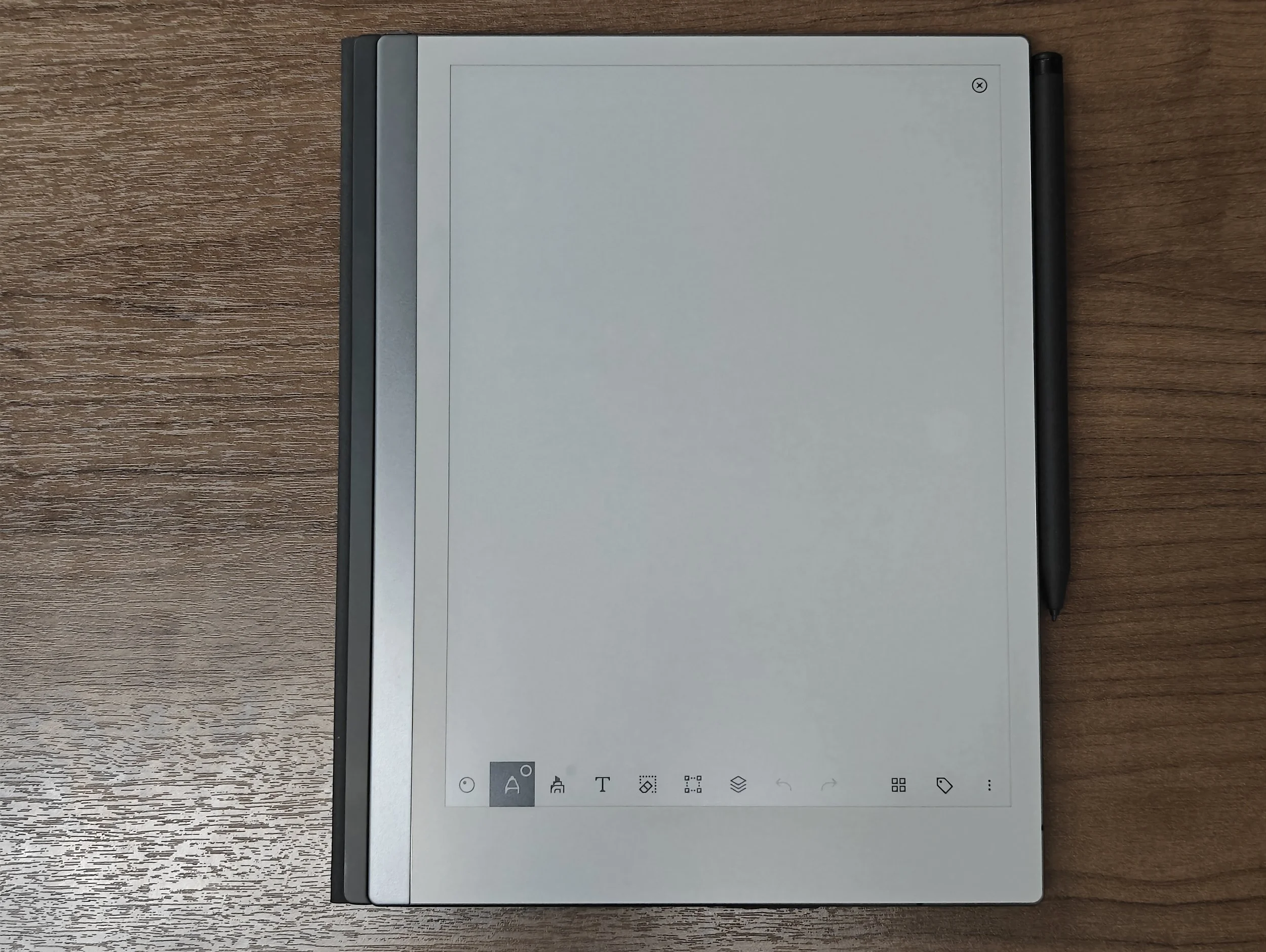
The absolute best thing about this tablet is that it severely limits what you can actually do on it. And just like I stated my Kindle review, this kind of limitation works great. When you pick this device up, your brain instantly shifts into “writing” mindset. It doesn’t matter what you write—whether you are brainstorming, planning, doodling, or drafting, your mind actually stays on the task. The endless distractions of the iPad are gone, and I could reclaim my focus on the work. It has been a game-changer for how I view digital devices. It gives you back ownership of your time. You aren’t driven by notifications, the muscle memory of opening social media and YouTube, or temptations of blindly scroll Amazon. It gives you the confidence that you are actually in control your digital environment.
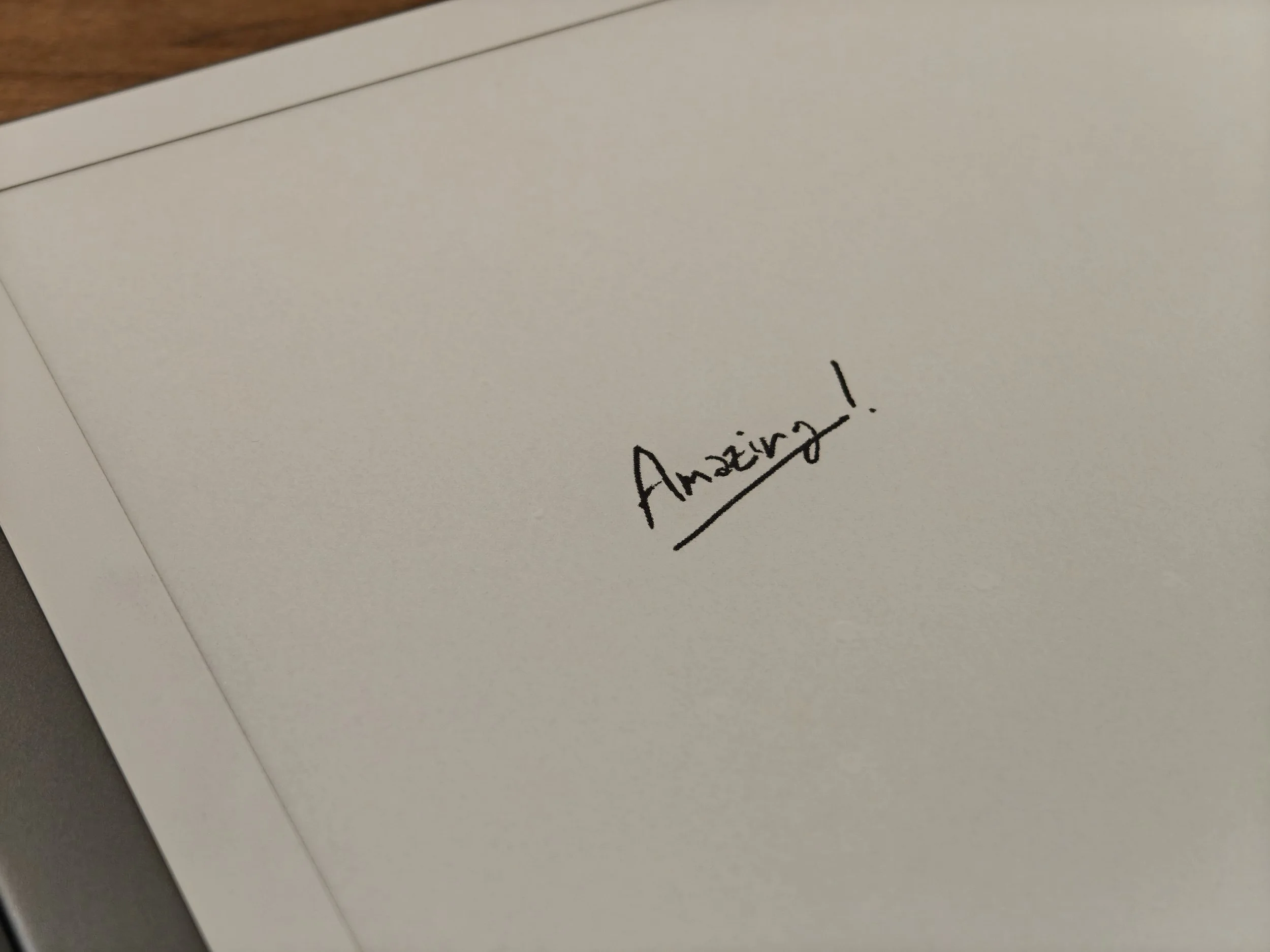
You can actually see grains just like the pencil on paper.
The writing feel is wonderful. The felt tip of the pen provides just enough friction to mimic a physical pencil and ballpoint pen. It is a lot different from the plastic slippery feedback from an Apple Pencil. When I tried one on display at Best Buy, the tip was rough and rigid. After buying this new one, I realized that the display model just had a worn-out tip giving that rough feedback. The new one is smooth and soft. When I was researching e-ink tablets, I worried the type of writing feedback from reMarkable 2 wouldn’t be for me, but that was nothing to worry about. The tactile writing experience is phenomenal. If you are just getting into e-ink tablets, reMarkable 2 would be plenty enough.
Also, the cloud sync is amazing. It pushes your file straight to the cloud as soon as you close the document. I do wish it would continuously sync without closing the document, but it remains fast and reliable. I can write on the reMarkable 2, close the document, pick up my phone, and see the update in the app instantly.
Thin profile, portability, and build quality are all excellent. I could see an executive carrying this device. But, is it perfect? Well, you know nothing is perfect.
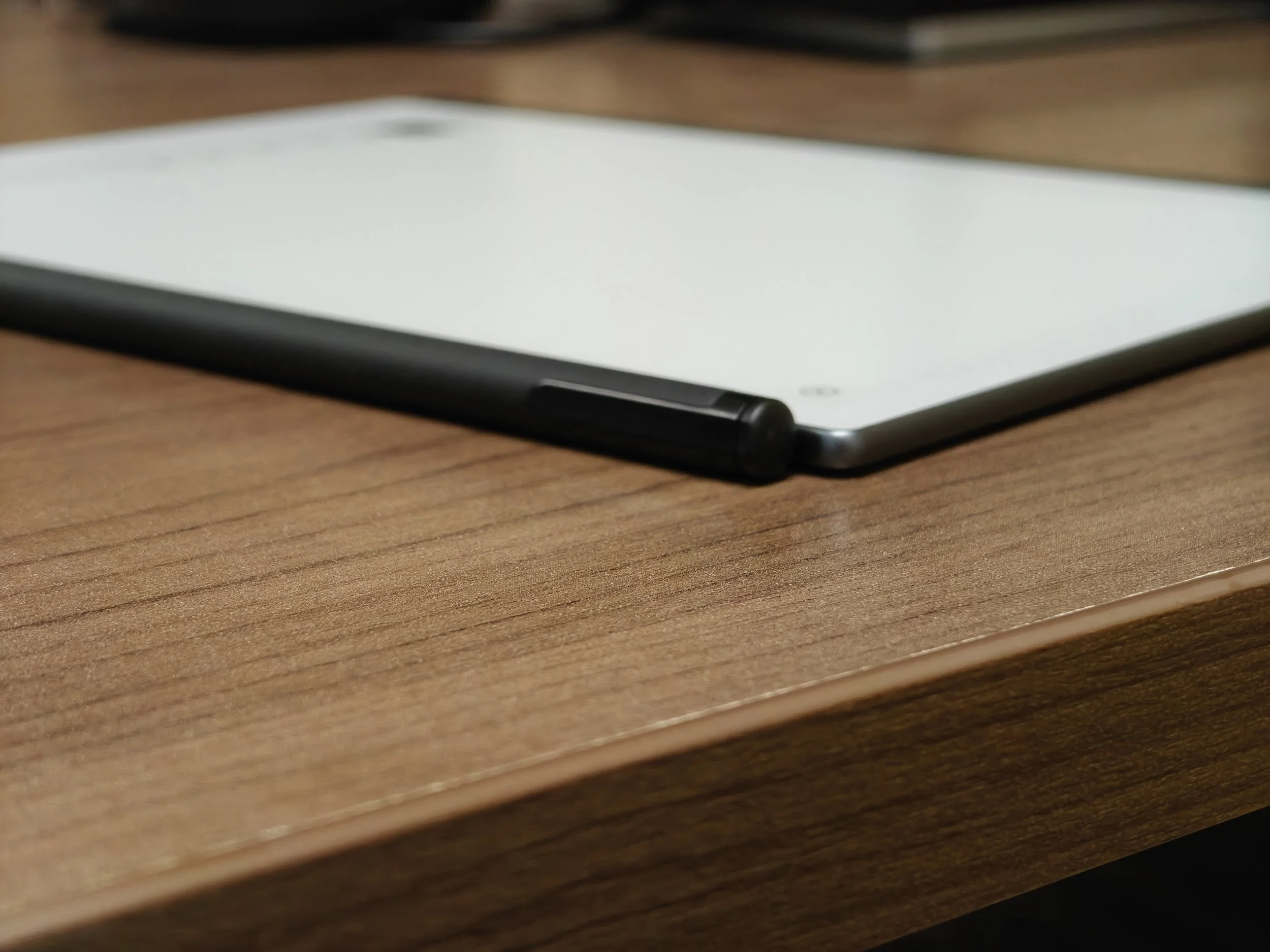
The device itself is thinner than its own marker.
The Imperfections: Software Limitations
The lack of third-party apps is a critical flaw. If you think about it, one of the biggest reasons people buy e-ink display is to read on an eye-friendly screen. But the utter lack of e-reading apps such as Kindle makes this device frustrating. I can picture so many office workers wanting to read books or the morning newspaper on this. The New York Times would look beautiful on it. But nah, it’s not available, and I highly doubt it ever will be. By the same token, you can’t read your emails either. reMarkable says, “Hey, there is a way to import and export PDFs,” but who actually wants to jump through hoops importing and exporting PDFs just to sign a simple email attachment? On an iPad, you just sign the document and hit reply. Done. This company has a long, long way to go if they genuinely want to position this as an iPad alternative.

Even with typing, this is it.
Another omission is the inability to create a navigable outline and link pages. If you are planning to draft a big document—whether by handwriting or typing—building a navigable structure is going to be a big struggle. Sure, you can manually write out a table of contents page, but automatically or even manually linking those sections to specific pages is not possible in the device. You can download pre-built templates that contain hyperlinks, but you cannot build those links within the device. You have to use a computer software like Adobe Acrobat to make a template with internal links. I mean… Really? This is pointed as a major drawback compared to competitors like the Supernote, which natively let you link your handwriting to separate documents, or different pages within the same notebook (I don’t know if it links to a different part of the same page, though.)
The monthly subscription plan required for cloud sync is a massive downside. We are already living in a world suffering from subscription fatigue. They claim it’s inexpensive, but if you hate adding yet another few dollars to your monthly “digital rent,” this is going to be a hard dealbreaker. You can still use a device without it; it just won’t automatically sync back and forth with the reMarkable platform. You can use other cloud services such as Google Drive to save files, though.
The Verdict
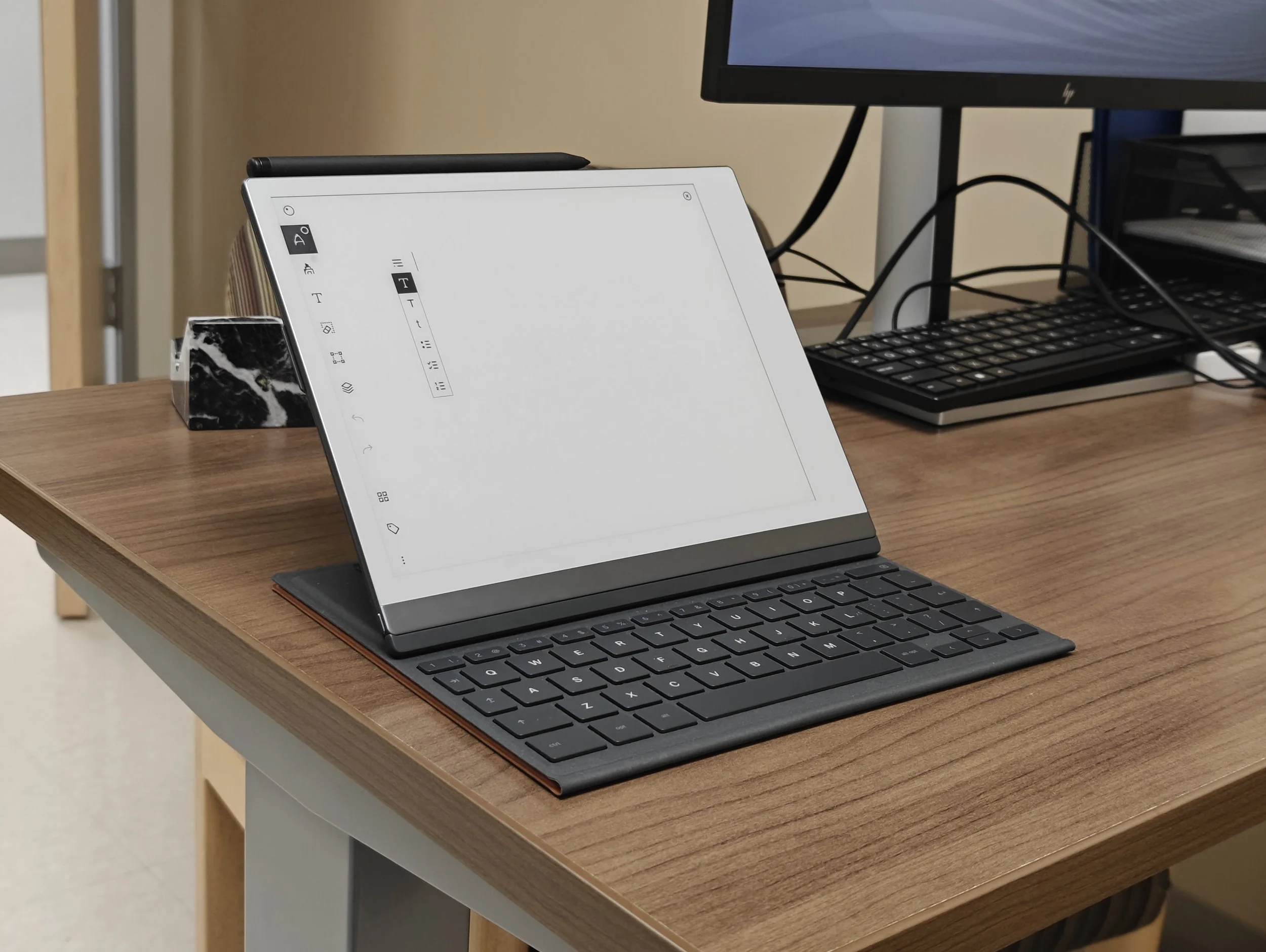
As the hardware design suggests, this tablet is strictly about the writing experience, which fit my specific intentions. But if you are planning to replace Apple Notes or Goodnotes with this device, it will fall short. It is still an e-ink tablet, so it will have some ghosting and lag time to time. And it will miss lot of convenient features like navigable outlines and creating internal links.
But if you are sick of just writing experience of your iPad, and if your eyes burning from blue lights after staring at screens all day studying, writing and reading, and you desperately need a distraction-free zone for your brain to actually process information, this would be a phenomenal piece of hardware. But for $629 retail… you will be able to find other options to try. For $300? Still, there are other options, but this could be a good candidate.
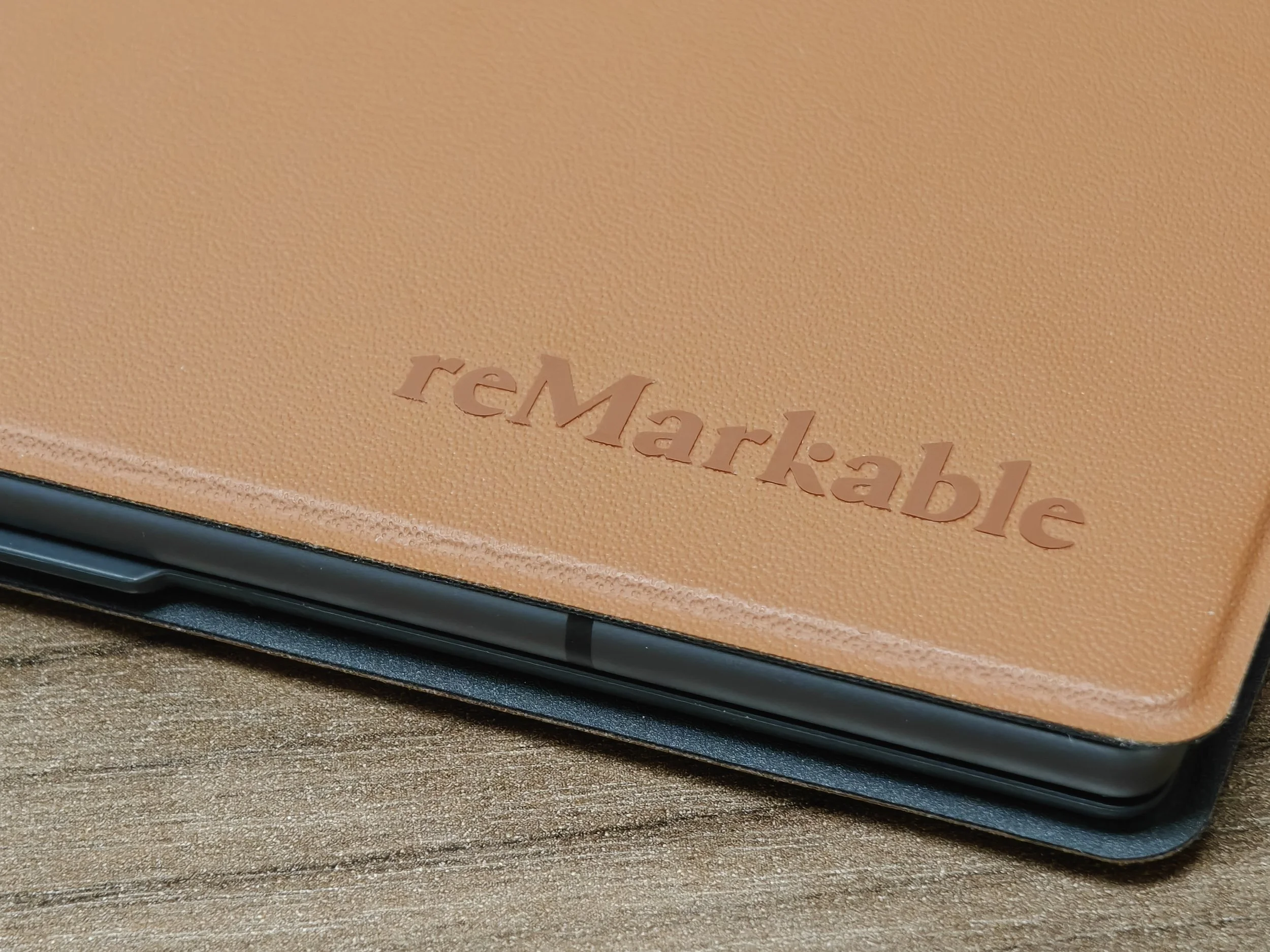
If you have the disposable income and want singular focus, I would say why not reMarkable. But if you are looking for a comprehensive, do-it-all device, I think the iPad still holds a great stand. (Or check out the Samsung Galaxy Tab Ultra—I saw my wife using hers, and that massive AMOLED screen looked absolutely amazing).
Let me know your thoughts down in the comments so other folks can get your two cents. As always, thanks for reading, and I’ll see you in the next one.
